The summary in 3 points:
- Broadcast lists in the WhatsApp Business app are free, but they only reach people who saved your number, with a limited number of contacts per list.
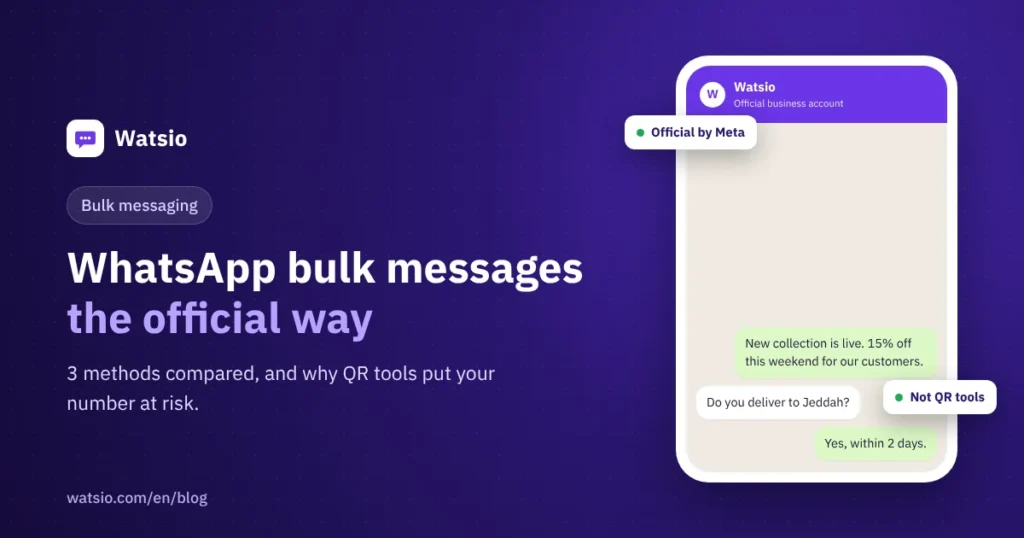
- Unofficial bulk-sending tools break WhatsApp’s terms, and they are the most common reason shop numbers get banned.
- The official way is campaigns on Meta’s WhatsApp Business Platform: approved templates, sent to customers who opted in, at about SAR 0.22 per marketing message in Saudi Arabia.
“I want to send the weekend offer to all my customers, but most of them haven’t saved my number, and I’m worried my number will get banned if I message them all at once.” Store, shop and clinic owners ask us this all the time. The answer depends on the method you use to send, because the methods differ a lot in reach, cost and risk to your number. In this guide we compare the three methods, explain how to send your first official bulk message step by step, and show what it costs.
What are the ways to send a WhatsApp bulk message?
There are three common ways to send one message to many customers. Here is how they differ:
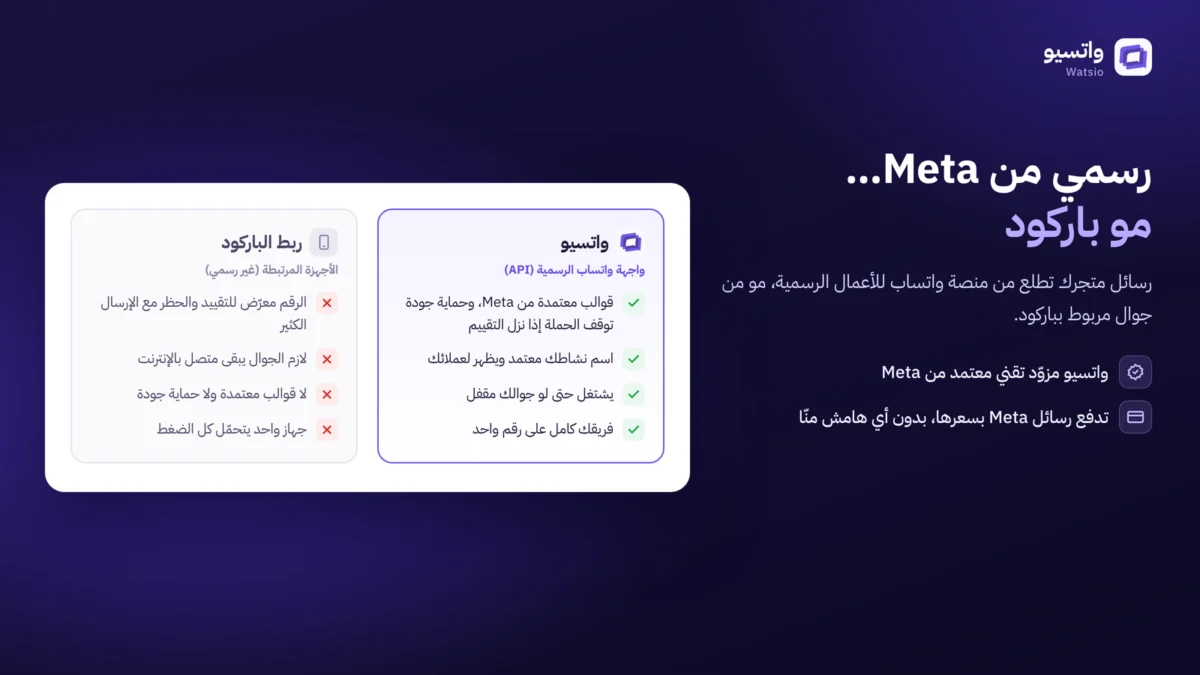
| Comparison | Broadcast lists in the app | Unofficial sending tools | Official campaigns (API) |
|---|---|---|---|
| Who receives the message | Only people who saved your number | Any number, usually without consent | People who agreed to receive your messages, even if they did not save your number |
| Number of recipients | Limited per list | Unlimited in theory | Starts at 250 customers per 24 hours and rises automatically |
| Risk to your number | Low | Very high, because it breaks WhatsApp’s terms | Low when you follow the policies |
| Reports | None | Limited and unreliable | Delivery, reads and replies for each campaign |
| Cost | Free | Tool subscription, and losing the number if it gets banned | Meta fees per message + platform subscription |
Are broadcast lists in the WhatsApp Business app enough?
Broadcast lists in the WhatsApp Business app suit a business that is just starting, but they have clear limits: the message only reaches customers who saved your number on their phone, each list has a maximum number of contacts, there are no reports showing who read and who replied, and there is no link to your store or customer list. If your customer base is small and most have saved your number, they are enough. If you have hundreds or thousands of customers, you need the official way. The difference between the app and the official platform is explained in the article WhatsApp Business app or WhatsApp API.
Why do bulk-sending tools get numbers banned?
“Bulk sender” and “QR code” tools control WhatsApp Web or the app and send on your behalf to many numbers in a short time. This breaks WhatsApp’s terms of use, and WhatsApp detects this pattern from:
- Sending a large number of messages to numbers that have not saved yours or contacted you before.
- Customers reporting and blocking your number after a message they did not ask for.
- Repeating the same text to many numbers quickly.
The result is usually a temporary ban and then a permanent one, and losing all the conversations and customers tied to the number. We explain the reasons in detail in the guide to campaigns and reducing the risk of bans.
How do official campaigns work through the WhatsApp API?
Official campaigns go through Meta’s WhatsApp Business Platform, via a tech provider such as Watsio. The key rules are:
- Approved templates: Any message you start must be a template Meta has reviewed in advance, categorized as marketing, utility or authentication.
- Customer consent: You send only to customers who agreed to receive your messages, and they must have an easy way to unsubscribe.
- Tiered messaging limits: A new account starts by messaging 250 unique customers per 24 hours, and rises automatically to 2,000, then 10,000, then 100,000, then unlimited, with business verification and message quality.
- Quality rating: Meta tracks how customers interact with your messages. If reports or blocks increase, the template’s quality drops, and it may be paused temporarily.
- 24-hour window: When a customer replies to you, you can reply with regular messages without a template for 24 hours.
How much does an official bulk message cost in Saudi Arabia?
Meta charges for each delivered message based on its category. Approximately, in Saudi Arabia, under Meta’s tariff since 1 October 2026 and before VAT:
| Message type | Approximate cost | Example |
|---|---|---|
| Marketing | About SAR 0.22 | An offer, a discount, a new product |
| Utility | About SAR 0.04 | Order confirmation, appointment reminder |
| Authentication | About SAR 0.04 | Verification code |
| Inbound customer messages | Always free | Any message a customer sends you |
So a marketing campaign to 1,000 customers costs about SAR 220 in Meta fees, paid to Meta directly. Prices change every quarter, and the details are in the article WhatsApp API pricing in Saudi Arabia.
Steps to send your first official bulk message
- Collect consent: From your store’s checkout page, a welcome message or a QR code in your shop, making clear what kind of messages they will receive.
- Upload and segment your customers: From an Excel file or your store, by last purchase, city or interest.
- Write the template: A short message, a clear benefit and one button. See the guide to WhatsApp templates to reduce rejections.
- Test on a small sample: Send to a few people and check the link, image and text.
- Get someone ready to reply: A successful campaign brings replies. Let the AI assistant reply instantly and hand serious buyers to your sales team.
- Measure the results: Delivery, reads, replies and orders, and adjust your next campaign based on them.
Do I need customer consent before sending?
Yes. WhatsApp Business messaging policy requires customer consent before you message them, and Saudi Arabia’s Personal Data Protection Law (Article 25) prohibits sending promotional material without consent and a clear way to opt out. So do not use purchased number lists or numbers from groups, keep proof of each customer’s consent, and respect opt-out requests immediately. Details are in the article the PDPL and marketing messages.
Mistakes that make a campaign fail
- Sending to numbers that did not opt in.
- The same message every day to the same customers.
- Unknown shortened links, or long text without a clear benefit.
- No one answering replies, so interested customers are lost.
- Sending late at night; the best time is between 9 am and 10 pm.
How does Watsio help?
Watsio is a Saudi platform on the official WhatsApp Business Platform by Meta: you upload your customers from Excel or from your Salla, Zid or Shopify store, segment them, and send campaigns with approved templates, with reports on delivery, reads and replies. The AI assistant replies to people who engage in their own dialect and hands serious buyers to your team, and the system pauses the campaign if the template’s quality drops, to protect your number. You pay Meta’s message fees to Meta directly with zero margin from us, and plans start from SAR 79 a month before VAT for your whole team (pricing). For stores, see Watsio for shops and online stores.
Frequently asked questions
How many customers can I send a bulk message to on the first day?
Meta sets the limit: a new account starts by messaging 250 unique customers per 24 hours with messages you start, and rises automatically to 2,000, then 10,000, then 100,000, then unlimited, with business verification and message quality. Replies to customers who messaged you first do not count toward this limit.
Does a bulk message reach customers who have not saved my number?
With official campaigns, yes. The message reaches the customer even if they have not saved your number, as long as they agreed to receive your messages. Broadcast lists in the app only reach people who saved your number.
Can my number get banned with official campaigns?
The risk is much lower than with unofficial sending tools, but Meta can restrict any number that breaks its policies or gets many reports. Getting consent, keeping content quality high and not sending too often are what protect your number.
Can I add an image or buttons to a bulk message?
Yes. Templates support an image, video or document at the top of the message, and buttons such as visit a link, call or quick reply. All of them go through Meta review before use.
Read next
- “Your account is restricted right now”: why and how to fix it
- WhatsApp Status Ads and Promoted Channels: A Business Guide
- WhatsApp Channels for business vs lists, groups and API messages
Sources
- WhatsApp Business Messaging Policy (Meta)
- WhatsApp Business Platform pricing (Meta)
- WhatsApp Business Platform messaging limits (Meta)
- Personal Data Protection Law (SDAIA)
Last updated: November 2026 · Watsio team. Meta prices are approximate and change every quarter.