Key takeaways:
- Never share your 6-digit WhatsApp code with anyone, even someone who claims to be WhatsApp support or one of your staff.
- Turn on two-step verification with a strong password, and add a passkey on every phone your business uses.
- Tell customers your official number and that you never ask for codes or card details in a chat.
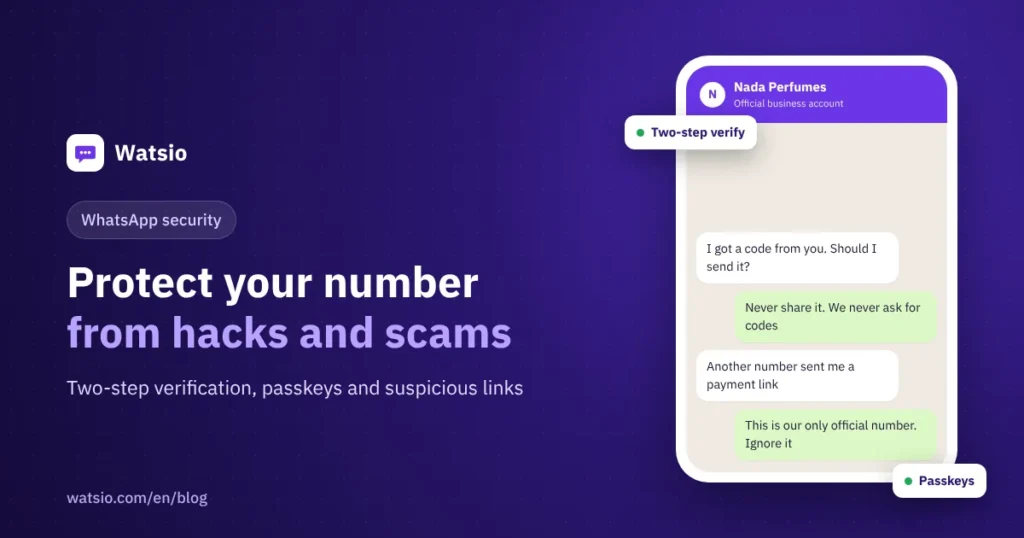
“I got a WhatsApp code I didn’t ask for, and a minute later someone messaged saying he sent it to me by mistake.” If that happens, send nothing. It is an attempt to steal your number. Whoever has the code can register your number on their phone and message your customers as you. The fix is simple: two-step verification, a passkey, and a few habits for your team.
A business number carries orders, bookings and payments, so a takeover means customers get scammed in your name. Here is how to close each door.
What are the most common scams targeting business numbers?
Most scams rely on urgency. Meta’s advice is three steps: pause, question, and verify the person through another channel.
| Scam | What it looks like | What to do |
|---|---|---|
| Code theft | A code you didn’t request, then someone asks for it | Never send it. Turn on two-step verification |
| Fake support | An account named “WhatsApp Team” threatens to suspend you | Ignore and report it. WhatsApp does not ask for your codes in chats |
| Shop impersonation | Another number using your logo offers “discounts” to your customers | Publish your real number on your site and socials, and report the fake |
| Fake transfer receipt | A customer sends a transfer screenshot and pushes for fast shipping | Don’t ship until the money actually lands in your account or payment gateway |
| Unknown linked device | A WhatsApp Web session or device you don’t recognize | Open Linked devices and log out anything unfamiliar |
| Strange groups | A stranger adds you to an “investment” or “like tasks” group | Leave right away without opening links |
Since August 2025, WhatsApp shows a safety overview when a non-contact adds you to a group, so you can leave without opening it. Since August 2026, Android also shows context for calls from unsaved numbers, such as whether the number is from another country.
How do I turn on two-step verification and passkeys?
Two-step verification means registering your number on a new phone needs a password only you know, on top of the SMS code. In August 2026 WhatsApp announced it is upgrading the old 6-digit PIN to a full password with letters, numbers and symbols, rolling out gradually.
- Open WhatsApp, go to Settings, then Account, then Two-step verification, and turn it on.
- Choose a long password you don’t use anywhere else. Avoid 123456 or the year your shop opened.
- Add a recovery email the business owns, not the email of a staff member who might leave.
- Under Settings, then Account, then Passkeys, add a passkey that unlocks with your fingerprint, face or screen lock.
- If you use both Android and iPhone, add a passkey on each. WhatsApp now allows more than one.
- Check Linked devices every week and log out of any session you don’t recognize.
WhatsApp says more than one billion people now log in with passkeys. There is no code for anyone to trick out of you.
How can I spot a suspicious link?
Before you tap any link in a chat, ask yourself:
- Is the site name spelled correctly? Scammers change one letter in a bank or courier name.
- Is the message rushing you or threatening a suspended service or lost parcel?
- Does it ask for a verification code, card number or banking login?
- Is it from an unknown number, or a “friend” with an odd request? Call them directly.
For customers: send payment links only from a known payment gateway, and state in your welcome message that you never ask for codes or card numbers in the chat.
My shop’s number was stolen. What do I do now?
- Register your number again on your phone with the SMS code. When you do, the other device is logged out.
- If it asks for a two-step verification password you don’t know, the attacker set one. Contact WhatsApp support from inside the app.
- Warn customers on your other channels (Instagram, website, SMS) that the number was compromised and they should not transfer any money.
- Once you’re back in, turn on two-step verification and a passkey right away, and review linked devices.
What changes if my number is on the official platform (API)?
On the WhatsApp Business Platform (Cloud API), your number is not registered in an app on one phone that can be hijacked with a code. Access goes through your Meta business portfolio, so protect the admin accounts:
- Turn on two-factor authentication for every Facebook account with admin access to the business portfolio.
- Keep admins few, and remove staff who leave.
- Don’t share one password across the team. Each person logs in to the shared inbox with their own account.
For the full comparison, read WhatsApp Business app vs API. Verifying your business also helps customers recognize your real number, covered in our WhatsApp business verification guide.
How Watsio helps
Watsio is a Saudi platform that connects your business number to Meta’s official WhatsApp platform. Instead of passing the shop phone around, each person logs in to the shared team inbox with their own account. The app and database are hosted inside Saudi Arabia, while the messages themselves pass through Meta. Your AI assistant’s welcome message can also state that you never ask for codes or card details. The Lite plan starts at SAR 79 a month before VAT, with 3 team members.
Related reading: Why WhatsApp restricts your number and how to fix it and a shared WhatsApp inbox for your team. You can also see Watsio plans and pricing and try it free for 14 days, no card needed.
Frequently asked questions
Does WhatsApp support ever ask for my verification code in a chat?
No. Any account that asks for your 6-digit code or your two-step verification password is a scam, even if it uses the WhatsApp logo as its photo.
What is the difference between two-step verification and a passkey?
Two-step verification is a password WhatsApp asks for when your number is registered on a new phone. A passkey lets you log in with your fingerprint, face or screen lock instead of codes. Turn on both.
Can I add more than one passkey?
Yes. In August 2026 WhatsApp announced support for multiple passkeys, which helps if you use both an Android phone and an iPhone.
What should I do if a number is impersonating my shop?
Report the number inside WhatsApp, publish your official number on your website and social accounts, and tell customers you never ask for transfers or codes from other numbers.
Is the official platform safer than the app?
On the platform the number is not registered in an app on a single phone, so it can’t be hijacked with an SMS code in the same way. You still need two-factor authentication on the admin accounts of your Meta business portfolio.
Sources
- WhatsApp Blog: passkeys and stronger two-step verification (August 2026)
- Meta: new WhatsApp tools and tips to beat scams (August 2025)
- WhatsApp: privacy and security questions
Last updated: November 2026 · Watsio team.