Summary in 3 points:
- “WhatsApp verification” means three things: business verification with Meta, display name approval, and the verified badge.
- What you actually need to sell and run campaigns is business verification and name approval. The badge is optional, and Meta decides.
- Prepare your commercial registration, a website with your business name, an email on your website’s domain, and a mobile number dedicated to the business.
“How do I verify my company’s WhatsApp so the store name shows instead of the number?” is one of the most common questions we get from store, clinic and salon owners. The problem is that the word “verification” is used for three different things, each with its own steps and conditions. In this guide we break them down for you, and explain the documents required in Saudi Arabia and the most common reasons for rejection.
What’s the difference between business verification, the display name and the verified badge?
| Type | What it is | Do you need it? | Who decides |
|---|---|---|---|
| Business Verification | Proof that your business is a real, registered entity in your Meta Business account | Yes, to raise your messaging limits | Meta, after reviewing your documents |
| Display Name approval | The name your customers see in the chat | Yes | Meta, which checks that it’s linked to your business |
| Verified badge (blue tick) | The badge shown next to the name | Optional | Meta, based on its own criteria |
The good news: most businesses don’t need the blue tick to sell and serve their customers professionally. Note that the Meta Verified subscription (part of the Meta One plans, the lowest tier at around USD 15 per month according to Meta’s September 2026 announcement) verifies a WhatsApp Business app account, and is not the same as verifying an official platform (API) number.
Why does business verification matter?
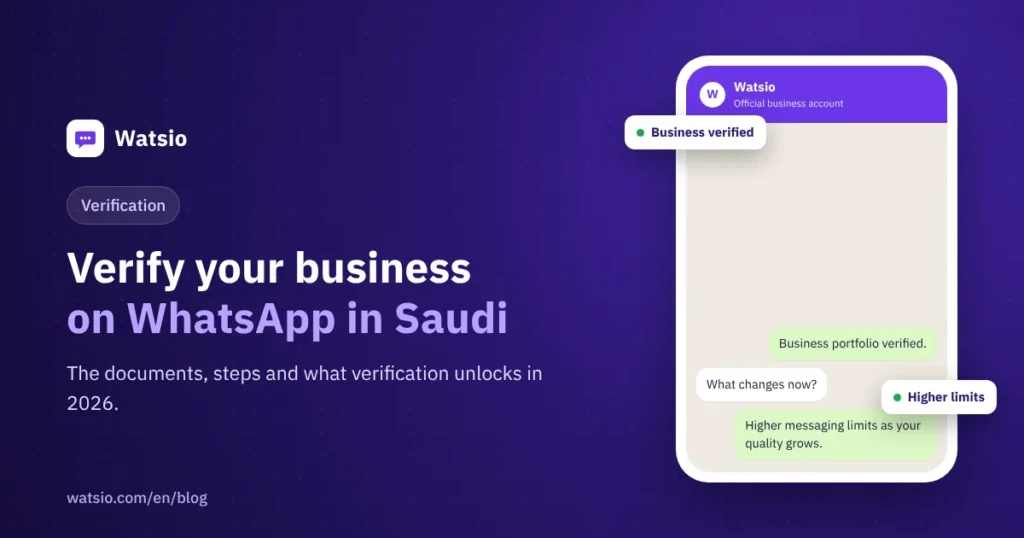
- Higher messaging limits: a new account starts by messaging 250 unique customers every 24 hours, and verification is one of the conditions for rising to 2,000 and beyond.
- Your business name instead of the number: customers see the store name in the chat, which builds trust and reduces reports.
- Account stability: an account verified with correct details is less exposed to sudden reviews.
Documents required for WhatsApp verification in Saudi Arabia
- A commercial registration (CR) in the business’s exact name (or an equivalent official document proving the business name and address).
- A working website that shows the business name, contact information and a privacy policy.
- An email address on your website’s domain (such as info@yourbusiness.com) works better than a free email.
- A mobile number that can receive the verification message and isn’t currently used on the WhatsApp app (or that you’re ready to move to the platform).
- The same name and address across the CR, the website and the Meta Business account.
Steps to verify WhatsApp Business
- Create a Meta Business account (Business Manager) in your official business name, exactly as it appears on the CR.
- Start the business verification request from the “Security Center” in Business Settings, and upload your documents.
- Connect your number to an official platform such as Watsio, and choose the display name customers will see.
- Wait for Meta’s review. It takes anywhere from days to weeks, depending on how complete your file is.
- Prepare your first templates and start sending gradually to customers who opted in, to build your number’s quality and raise your limits.
The most common reasons verification is rejected
- The name on the CR differs from the name on the website or the Meta account.
- An incomplete or “under construction” website, or one without a privacy policy.
- Unclear or expired documents.
- A display name that’s too generic (like “Offers” or “Customer Service”) instead of the business name, or a name that uses someone else’s trademark.
The fix is usually simple: make the name and address consistent everywhere, complete your website pages, then apply again.
What happens to my number and my old chats?
When you connect your number to the official platform, it moves from the WhatsApp app to the platform, and you reply from the dashboard and the platform’s app instead of your phone, while your old chats stay on your phone. So back up important chats before you connect. If you want to stay on the WhatsApp app with your current number, use a second number for the platform. The full comparison is in our WhatsApp Business app vs API article.
How does Watsio help?
Watsio is a Meta Tech Provider, and our team helps you with your business verification request with Meta, connecting your number, choosing your display name and preparing your first templates, over WhatsApp. After that, you run the AI assistant and official campaigns from the same platform. Plans start at SAR 79 per month before VAT for your whole team (Pricing), and if you’d like someone to review your file before you apply, book a call.
Frequently asked questions
Is WhatsApp Business verification free?
Business verification with Meta and display name approval carry no Meta fees. The Meta Verified subscription, which gives the verified badge on the WhatsApp Business app, is a paid and optional subscription.
Do I need a commercial registration to verify my business?
Usually yes. Meta asks for an official document proving the business name and address, and in Saudi Arabia that is usually the commercial registration. The name must match the name in your Meta account and on your website.
Does the blue tick come with a WhatsApp API subscription?
No. The verified badge is Meta’s decision based on its own criteria, and it doesn’t come automatically with any platform. You don’t need it to run official campaigns or AI replies.
How long does business verification take?
It varies from days to weeks, depending on how complete your file is and whether your details match. You can start receiving and replying to customers before it’s done, with a lower limit on the messages you start.
Read also: WhatsApp bulk messaging the official way and WhatsApp message templates guide.
Read next
- WhatsApp Usernames for Business: What Changes and How to Reserve
- Protect Your Business WhatsApp from Hacks and Scams (2026)
- “Your account is restricted right now”: why and how to fix it
Sources
- Business verification (Meta Business Help Center)
- Messaging limits on the WhatsApp Business Platform (Meta)
- Meta One subscriptions announcement (September 2026)
Last updated: November 2026 · Watsio team.