Key takeaways:
- A channel is a one-way broadcast tool in the Updates tab. Followers join on their own, and neither side sees the other’s phone number.
- Channels work for content and public offers. They don’t work for order confirmations or private replies to a specific customer.
- For personal messages to customers who opted in, you need official messages through the WhatsApp API, and each one has a cost under Meta’s rate card.
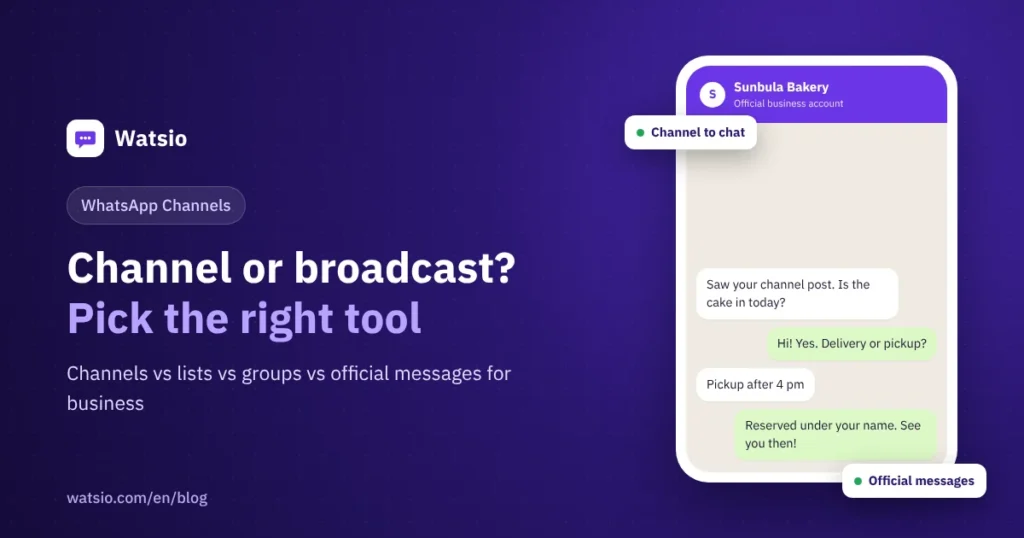
“Should I open a WhatsApp channel for my shop, or are broadcast lists and a group enough?” It depends on what you want to achieve. A channel is like a notice board inside WhatsApp: you post offers and content for everyone who follows you, without them entering your private chats. Broadcast lists, groups and official messages each do a very different job.
What exactly are WhatsApp Channels?
WhatsApp launched Channels in 2023 as a one-way broadcast tool. The admin posts text, photos, videos, stickers and polls. Followers react with emojis and vote in polls, but they can’t post in the channel.
- Privacy: the admin’s phone number and profile photo are hidden from followers, and following a channel doesn’t reveal a follower’s number to you or to other followers.
- Location: channels live in the Updates tab next to Status, separate from chats.
- Storage: WhatsApp keeps channel history on its servers for up to 30 days.
- Control: you can block screenshots and forwards. When someone forwards your post, it carries a link back to your channel.
- Discovery: people search a channel directory. Meta announced paid channel promotion in 2025, and it rolled out globally in February 2026.
Channel vs broadcast list vs group vs official messages: what’s the difference?
| Tool | Who receives it | Privacy | Interaction | Cost |
|---|---|---|---|---|
| WhatsApp channel | Anyone who follows you | You don’t see followers’ numbers and they don’t see yours | Reactions and polls only | Posting is free, promotion is paid |
| Broadcast list (app) | Contacts who saved your number, up to 256 per list | Each person gets it like a private chat | They reply to you privately | Free from the app |
| Group | Members you add or who join by link, up to 1,024 | Members see each other’s messages and may see numbers | Open discussion for everyone | Free |
| Official messages (API) | Customers who agreed to hear from you | A private message to each customer | Direct replies, automation and a team | About SAR 0.22 for marketing and SAR 0.04 for utility under Meta’s current rate card |
A quick cost comparison: send a marketing offer as an official template to 2,000 customers and Meta’s fees come to about SAR 432. Posting the same offer in a channel is free, but it only reaches followers, you don’t know exactly who saw it, and you can’t personalize it by name or past order.
When does a channel help your business?
A channel pays off when you post content for a wide audience on a regular basis, for example:
- Restaurant or cafe: dish of the day, seasonal menu, Ramadan and Eid hours.
- Fashion or perfume store: new arrivals, product photos, a poll asking which color people want.
- Real-estate office: a new project launch or units available this week.
- Clinic or salon: general tips and seasonal offers, never anything about a specific customer.
A channel doesn’t work for order confirmations, appointment reminders, payment links or answering one customer’s question. Those are private messages that belong in the chat. We cover them in the WhatsApp message templates guide.
How do you open a channel for your business, step by step?
- Pick the right number: create the channel from a WhatsApp or WhatsApp Business account that stays on the app. If you plan to move your customer-service number to an official platform, don’t tie the channel to it.
- Open the Updates tab, choose to create a channel, and follow the steps.
- Use a clear name that matches your business, a short description of what followers will get, and your logo as the image.
- Set privacy: decide whether to allow forwards, since they spread your content to new people.
- Share the channel link in your bio, on your website, on store receipts and on a QR code in your shop.
- Keep a simple schedule, such as two or three posts a week, instead of posting at random.
- Check channel insights to see which posts get engagement and which get ignored.
What are the limits of channels?
- You can’t reply privately to a follower from inside the channel, and you don’t get their numbers to message them.
- No segmentation: every post goes to every follower in the same form.
- Followers control notifications, so many only see your channel when they open the Updates tab.
- Ads and promotion in the Updates tab are run through Meta. We explain them in WhatsApp Status ads and promoted channels.
The practical plan for most businesses: the channel for awareness and content, the private chat for sales and support. End every post with a clear call such as “Message us on WhatsApp to order” plus your chat link.
How Watsio helps
Watsio doesn’t manage WhatsApp Channels. You run your channel from the WhatsApp app itself. Watsio’s role starts after the post: when a follower taps your chat link and messages you, the conversation lands in a shared team inbox, the AI assistant replies in the customer’s dialect around the clock, and you send personalized offers as official templates to customers who opted in. Plans start at SAR 79 per month before VAT, and you pay Meta’s fees directly to Meta with zero margin from Watsio.
Related reading: Official WhatsApp bulk messages and WhatsApp API pricing in Saudi Arabia. You can also see Watsio plans and pricing and try it free for 14 days, no card needed.
Frequently asked questions
Can channel followers see my phone number?
No. WhatsApp hides the admin’s number and profile photo from followers, and following a channel doesn’t reveal a follower’s number to you or to other followers.
Can I reply privately to a follower from the channel?
No, a channel is one-way. Followers can only react and vote. For a private conversation they need to message your business number, so add your chat link to your posts.
Are WhatsApp Channels free for businesses?
Creating a channel and posting in it is free. Promoting the channel in the Updates tab is a paid ad service run through Meta.
Which is better for my shop: a channel or a broadcast list?
A channel is better for general content to a large audience. A broadcast list suits a small number of customers who saved your number and should get a message that feels personal. For personal messages at scale, use official messages.
Can I create a channel from the WhatsApp Business app?
Yes, you can create a channel from WhatsApp Business. Pick a number that stays on the app, because a number that moves to the official WhatsApp API platform no longer uses the app.
Sources
- WhatsApp Blog: Introducing WhatsApp Channels
- Meta: WhatsApp Channels, everything you need to know
- Meta: Helping you find more channels and businesses on WhatsApp
- WhatsApp Help Center: Channels on the WhatsApp Business app
Last updated: November 2026 · Watsio team.