Key takeaways:
- Status ads and promoted Channels rolled out globally on WhatsApp in February 2026. They appear only in the Updates tab, never inside people’s personal chats.
- You create them in Meta Ads Manager. A person who taps a Status ad can start a WhatsApp chat with your business or go to your website.
- The ad buys you a conversation. The sale happens in the reply, so get your team or AI assistant ready before you spend a riyal.
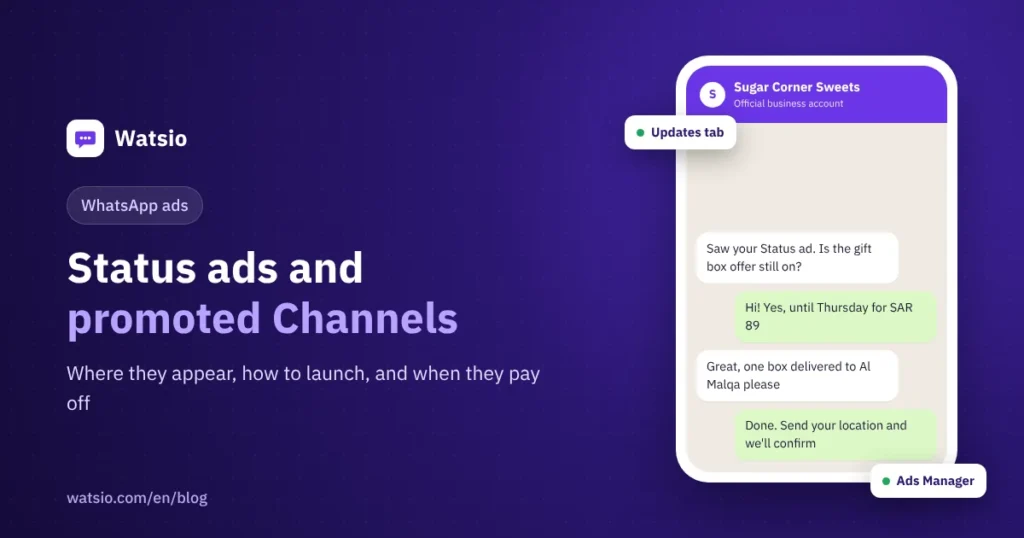
“I saw an ad between my WhatsApp Statuses. Can my shop advertise there too?” Yes. Meta launched Status ads and Promoted Channels in the Updates tab, and you run them from the same Ads Manager you use for Facebook and Instagram. Here is what they are, how to launch one, and when they are worth your budget.
What are WhatsApp Status ads and promoted Channels?
Meta announced these formats in June 2025 and started the global rollout in February 2026. There are three separate tools in the Updates tab:
- Status ads: an ad that appears between people’s regular Statuses. When someone taps it, they can start a WhatsApp chat with your business about the product or service you are promoting, or open a page on your website.
- Promoted Channels: a paid boost for your business Channel in the Channels directory, so new people find it and follow it.
- Channel subscriptions: followers pay a monthly fee for exclusive updates. Availability varies by country.
For how Channels differ from groups and broadcast lists, see our guide to WhatsApp Channels for businesses.
Where do the ads appear, and do they interrupt chats?
According to Meta, ads, promotions and subscriptions appear only in the Updates tab, away from personal chats. Meta says about 1.5 billion people use that tab every day worldwide.
For targeting, Meta uses limited information such as country or city, language, the Channels a person follows, and how they interact with ads. Personal messages, calls and groups are not used to decide which ads people see. So you cannot target people based on what they say in chats.
How do you launch a WhatsApp Status ad, step by step?
The general flow in Ads Manager (option names can vary by account):
- Connect your business WhatsApp number to your Meta Page so the ad can send people to a WhatsApp chat.
- Open Ads Manager and click Create. Pick an objective: engagement, leads, sales or traffic.
- Choose where the tap goes: a WhatsApp chat with your business, or a specific page on your website.
- Check Placements and make sure the WhatsApp Status placement is listed and switched on for your account.
- Use a clear vertical creative: one offer, a visible price, and a short line that invites a chat.
- Set budget, schedule and audience (city, age, interests), then publish.
- Prepare replies before launch: a welcome message, answers to common questions, and a person or AI assistant who answers within minutes.
If the chat itself is your goal, read our guide to Click-to-WhatsApp ads and the free conversation window.
Status ad, promoted Channel, or a Facebook and Instagram ad?
| Format | Where it appears | What happens on tap | Best for |
|---|---|---|---|
| Status ad | Between Statuses in the Updates tab | WhatsApp chat with you, or a page on your site | Short offers, new products, bookings |
| Promoted Channel | WhatsApp Channels directory | They follow your Channel | Businesses that post often and want a lasting audience |
| Click-to-WhatsApp ad on Facebook and Instagram | Facebook and Instagram | WhatsApp chat with you | Collecting orders and inquiries from a wider audience |
A promoted Channel builds a lasting audience. A Status ad brings a conversation now.
When is a Status ad worth it for your business?
Usually worth it when:
- You have a clear, time-limited offer, like a new dish at a Riyadh restaurant or a weekend deal at a Jeddah salon.
- Your product sells with one photo or a short video, like perfume, abayas or desserts.
- You can reply fast, including at night and on weekends.
Usually not worth it when:
- Your audience is tiny and specialized, like a B2B service with a few buyers.
- Nobody is free to answer chats, so you pay for taps that end in unread messages.
What happens after someone taps? This is where the budget is won or lost
When a customer messages you from the ad, a 24-hour customer service window opens. Incoming customer messages are always free. On the WhatsApp Business Platform, your replies inside the window are free for the first 1,000 service messages per month per number, then about SAR 0.04 each under Meta’s current rate card. If you follow up after the window closes, you need a marketing template at about SAR 0.22 per message.
A rough example: a Status ad brings 400 chats a month and you send 4 replies in each. That is 1,600 service messages. The first 1,000 are free, and the other 600 × SAR 0.04 come to about SAR 24. That is on top of your ad spend. Full details are in WhatsApp’s new pricing from October 2026.
Speed matters more than cost. If you reply hours later, the customer has probably moved on.
How Watsio helps
Watsio does not manage Status ads or Channels; you run those in Meta Ads Manager. Our job starts after the tap. Chats from your ads land in one shared inbox for your team, and the AI assistant replies in the customer’s Saudi dialect around the clock. It understands voice notes, books appointments, and hands chats to staff when needed. Plans start at SAR 79 a month before VAT (Lite), with the AI assistant and bookings included. See the Watsio team inbox.
Related reading: AI auto replies on WhatsApp and the biggest WhatsApp Business updates of 2026. You can also see Watsio plans and pricing and try it free for 14 days, no card needed.
Frequently asked questions
Do Status ads appear inside customers’ chats?
No. According to Meta, ads and promotions appear only in the Updates tab, never inside personal chats.
Where do I create a WhatsApp Status ad?
In Meta Ads Manager, like Facebook and Instagram ads, by selecting the WhatsApp Status placement if your account has it.
Does Meta use my messages or my customers’ messages for targeting?
No. Meta says personal messages, calls and groups are not used to decide which ads people see. Targeting relies on limited information such as country or city, language, Channels followed and ad interactions.
What is the difference between a Status ad and a promoted Channel?
A Status ad aims for a chat or a visit right now. A promoted Channel aims to grow your Channel followers in the directory so your future updates reach them.
How much does it cost to reply to customers who come from the ad?
Incoming customer messages are free. Your replies inside the 24-hour window are free for the first 1,000 service messages per month per number, then about SAR 0.04 each under Meta’s current rate card. This is separate from your ad budget.
Sources
- Meta: Helping You Find More Channels and Businesses on WhatsApp
- WhatsApp Business: Ads in Status and Channels Policy
- Meta for Developers: WhatsApp Business Platform pricing
Last updated: November 2026 · Watsio team.